If you are learning to code in 2026, you have a massive advantage: AI.
But typing “write me a website” into ChatGPT is only the tip of the iceberg. There are now specialized AI tools that live directly inside your code editor, fix your bugs before you see them, and even build entire apps from a single prompt.
Whether you are a complete novice or just want to code faster, here is a review of the top 6 AI coding tools—from the industry giants to the secret weapons you haven’t heard of yet.
The “Big Two” (The Industry Standards)
Everyone talks about these for a reason. They are reliable, powerful, and widely used by professionals.
1. GitHub Copilot
The OG Pair Programmer
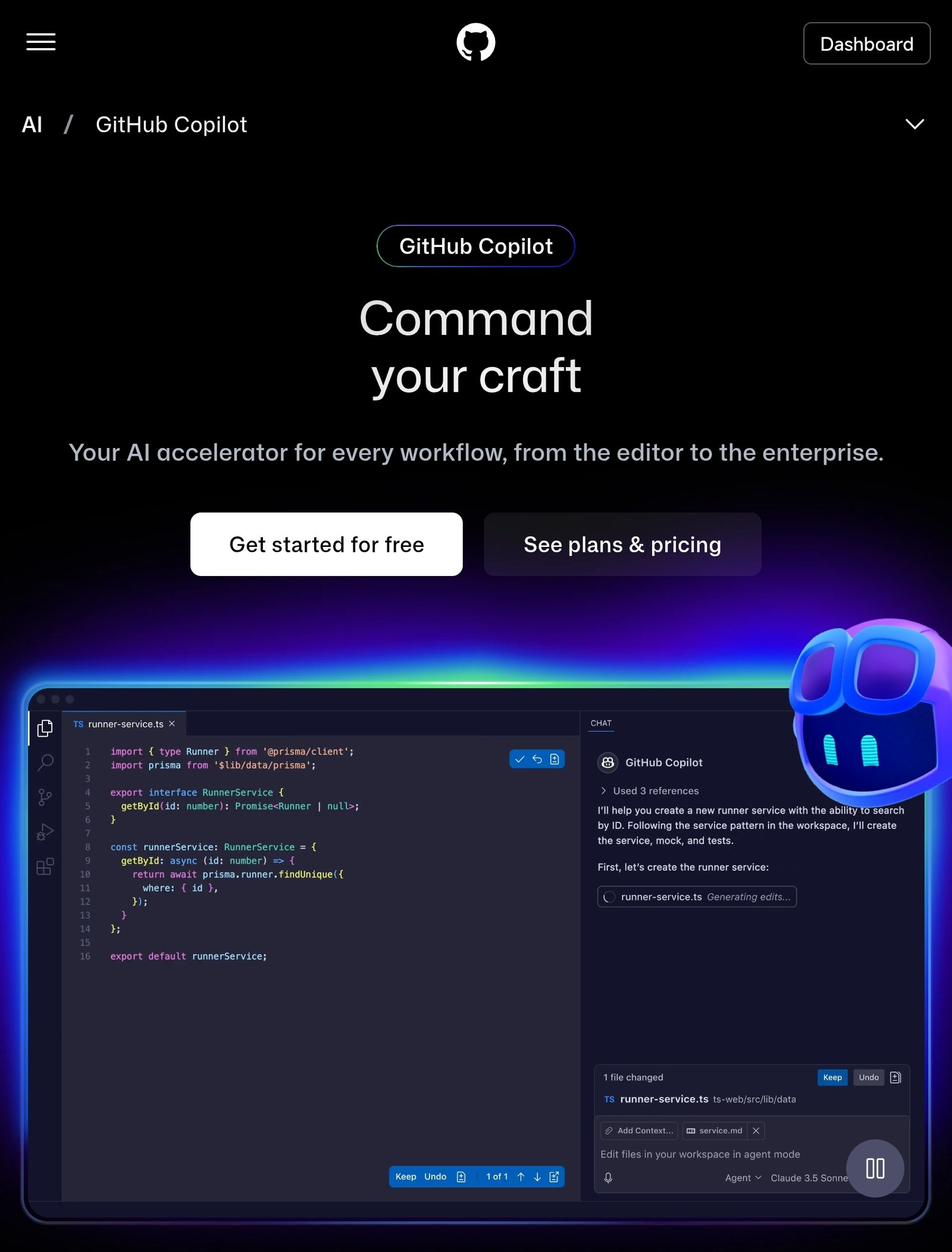
GitHub Copilot is the tool that started the AI coding revolution. Owned by Microsoft, it uses OpenAI’s models to suggest code as you type. It feels like having a senior developer sitting next to you, ghost-writing your code.
- Best For: Students and beginners who use Visual Studio Code (VS Code).
- Pros:
- Everywhere: Works in almost any code editor (VS Code, Visual Studio, JetBrains).
- Smart Chat: You can highlight code and ask, “Explain this to me like I’m 5.”
- Deep Integration: Since it’s owned by GitHub, it understands your repositories well.
- Cons:
- Cost: It’s paid (though often free for verified students).
- Suggestive, not proactive: It waits for you to type; it doesn’t usually “take over” and build the whole project for you.
2. Cursor
The “AI-First” Code Editor
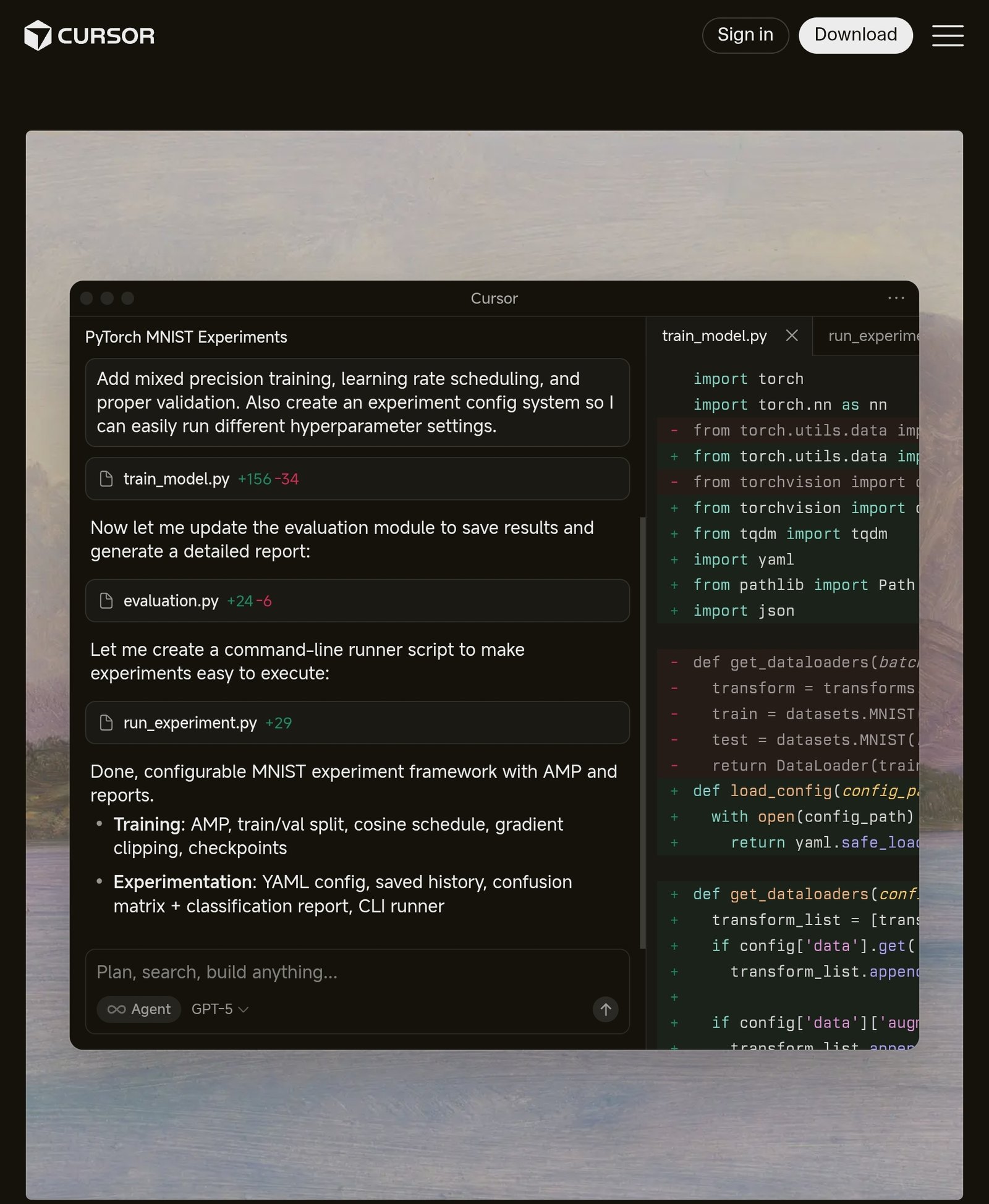
Cursor is not just a plugin; it is a full code editor (a “fork” of VS Code). Because the AI is baked into the editor itself, it can do things plugins can’t—like seeing your entire project at once or predicting your next edit, not just your next word.
- Best For: Beginners who want the most fluid AI experience.
- Pros:
- “Tab” to Autocomplete Everything: It predicts entire chunks of code amazingly well.
- Codebase Awareness: It reads all your files, so if you change a variable in one file, it knows to update it in another.
- Familiarity: It looks and feels exactly like VS Code, so the learning curve is low.
- Cons:
- Another App: You have to download a new editor (Cursor) instead of just installing a plugin.
- Freemium: The best models (like Claude 3.5 Sonnet) are limited on the free plan.
The “New & Emerging” (Secret Weapons)
These tools are newer or less “mainstream” than Copilot, but they often offer better features for free or unique capabilities that beginners love.
3. Windsurf (by Codeium)
The “Cursor Killer”?
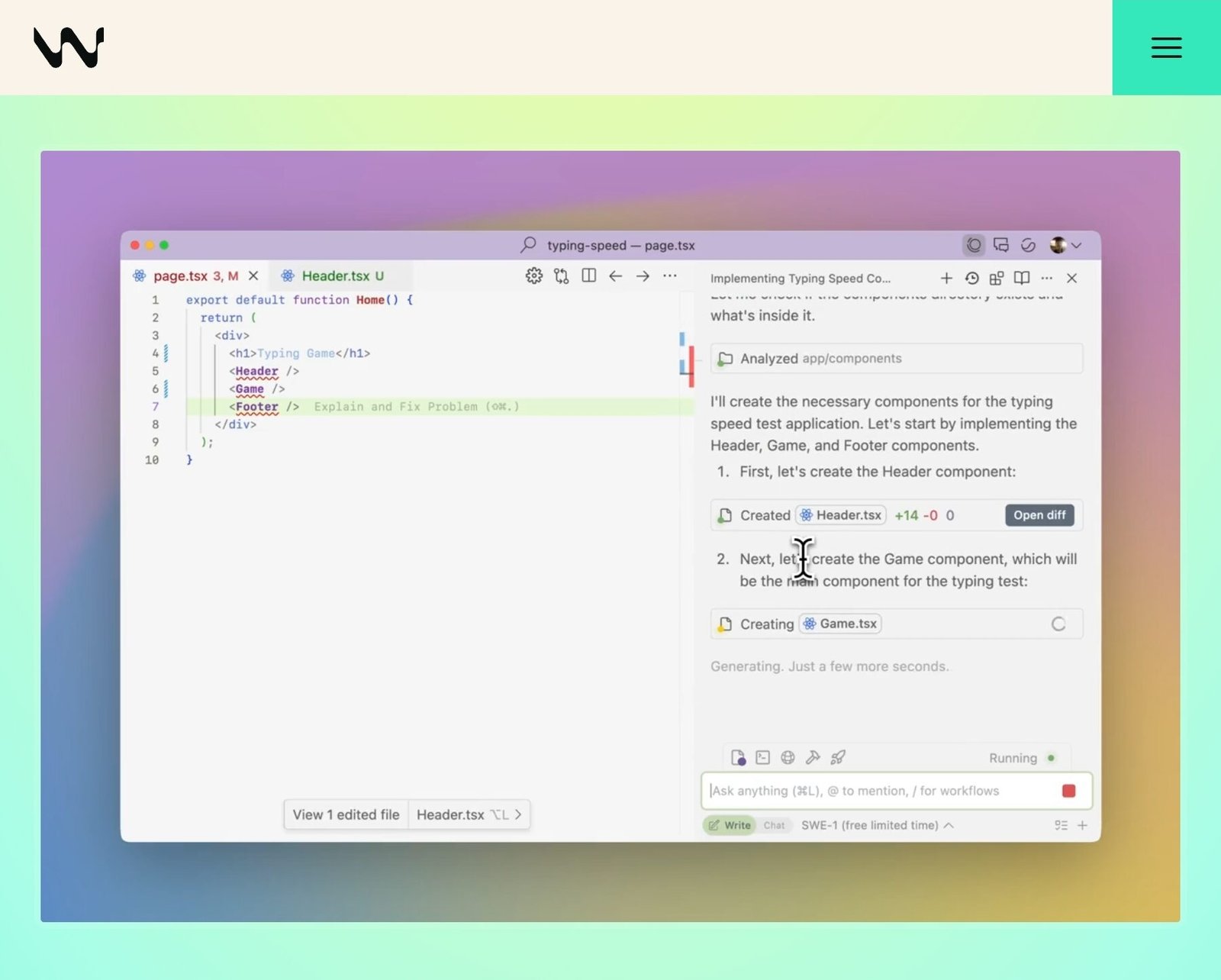
Windsurf is a brand-new editor that many developers are switching to in 2026. It introduces a concept called “Flow.” Unlike other tools that just suggest code, Windsurf’s “Cascade” feature deeply understands what you are trying to build and proactively thinks several steps ahead.
- Best For: Beginners who feel overwhelmed by managing multiple files.
- Pros:
- Deep Context: It has a massive understanding of your project structure.
- Agentic Capabilities: It can perform actions (like creating files or running terminal commands) more autonomously than Copilot.
- Free Tier: Generous access to powerful models.
- Cons:
- New Ecosystem: As a newer tool, it has fewer community tutorials than Copilot.
4. Replit AI
The “Zero Setup” Hero
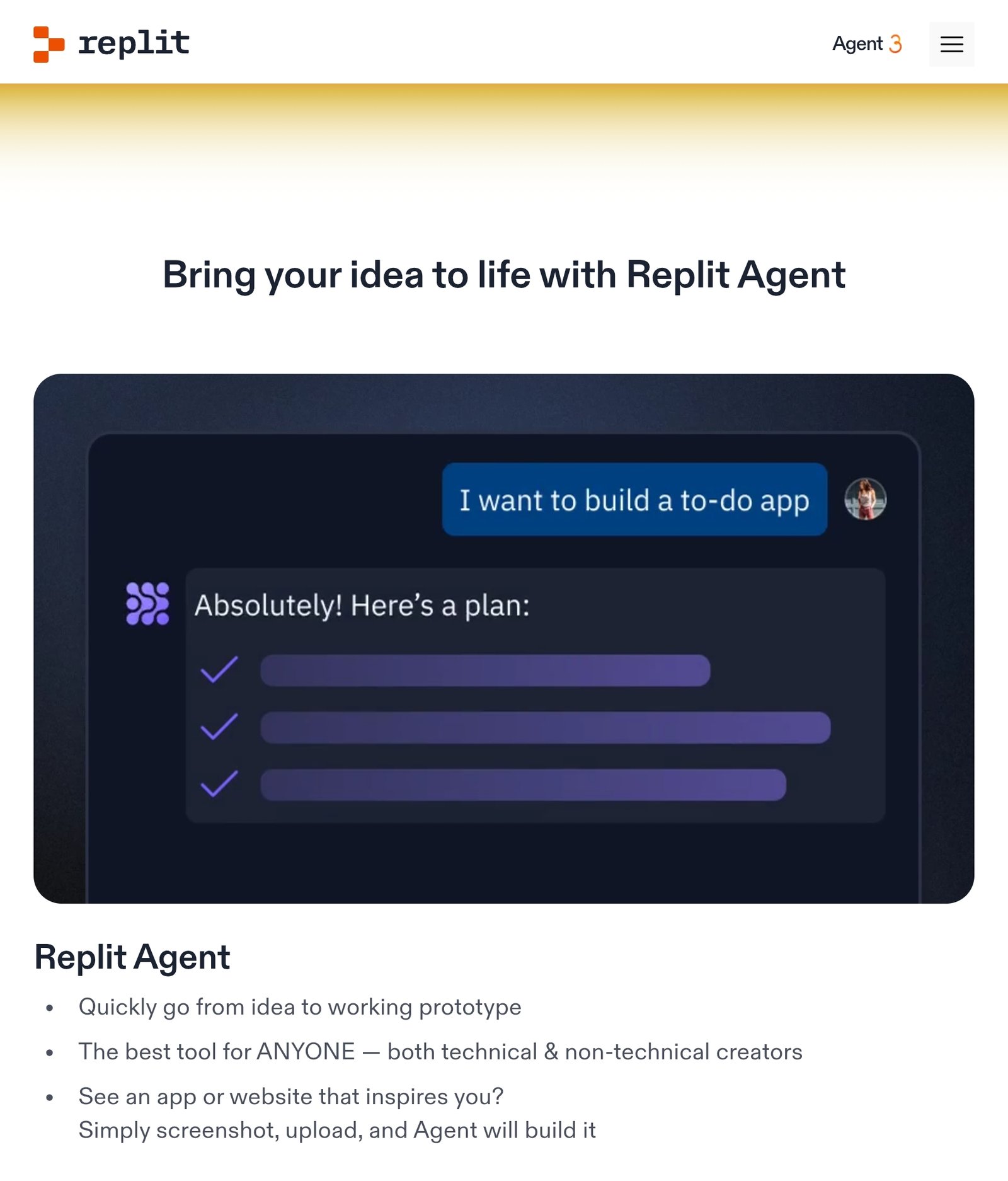
If the idea of installing code editors, setting up environments, and managing files scares you, Replit is the answer. It runs entirely in your browser. You just visit the website, type what you want, and it builds it.
- Best For: Absolute beginners who have never written a line of code.
- Pros:
- No Installation: Code from any computer (or even a tablet).
- “From 0 to App”: You can tell the Replit Agent, “Build me a personal expense tracker,” and it will set up the database, backend, and frontend for you.
- Hosting Included: Your app is live on the internet instantly.
- Cons:
- Lock-in: It can be harder to move your project out of Replit later if you want to host it elsewhere.
- Performance: Browser-based coding can sometimes be slower than a desktop app.
5. DeepSeek (V4 / R1)
The Budget-Friendly Powerhouse
DeepSeek isn’t an editor; it’s an AI model (like GPT-4). However, it has made waves in late 2025/2026 for being incredibly good at coding while being much cheaper (or free) to use via their chat interface.
- Best For: Beginners who want a “second opinion” or need to generate code snippets without paying $20/month.
- Pros:
- Cost: Often free or extremely cheap compared to OpenAI/Anthropic models.
- Logic: Excellent at solving complex logic puzzles in code.
- Cons:
- Copy-Paste: You have to copy the code from the chat into your editor manually (unless you use a plugin that supports it).
6. Qodo (Formerly Codium)
The “Quality Control” Expert
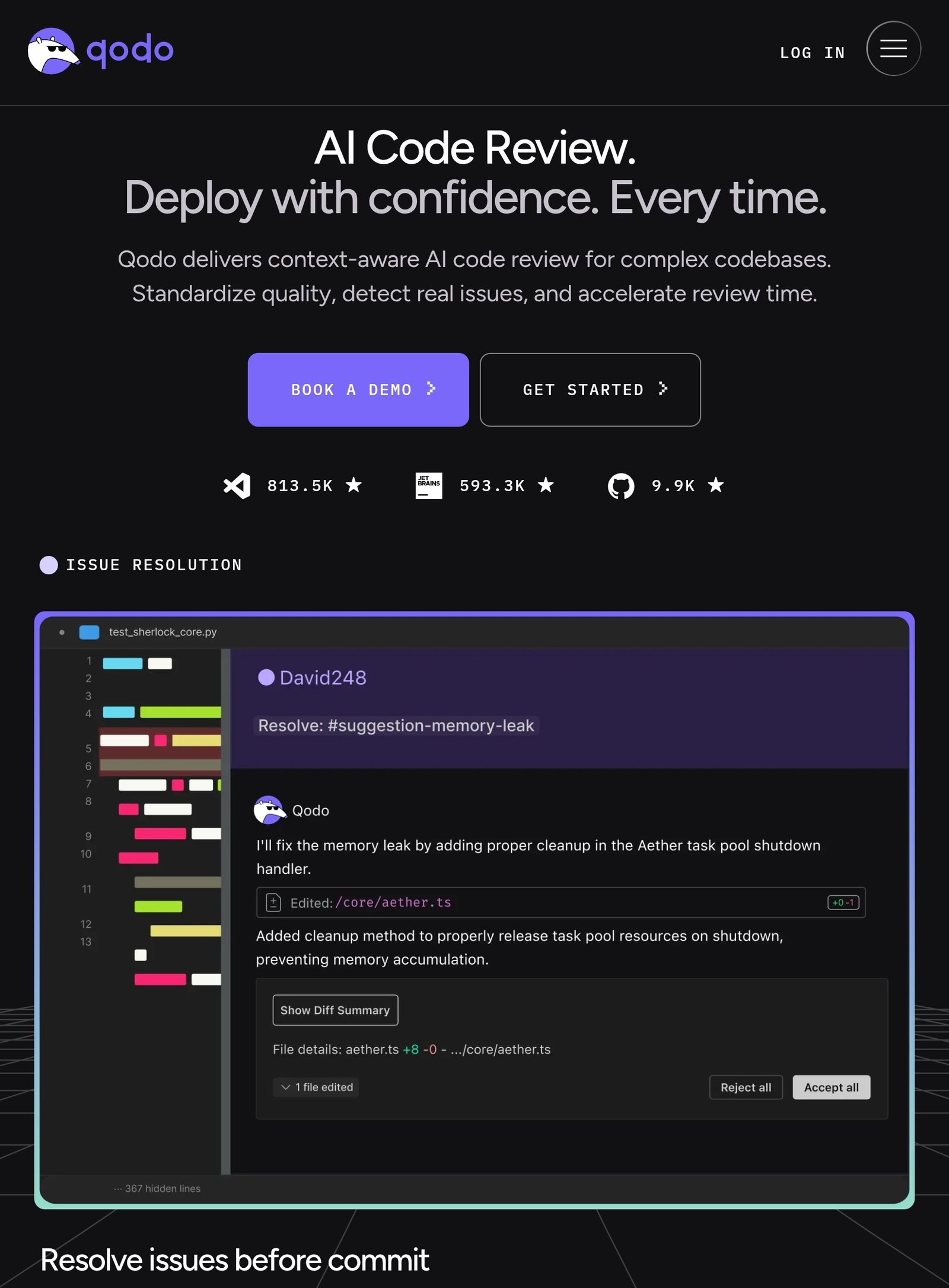
While other tools focus on writing code fast, Qodo focuses on writing code that works. It specializes in generating tests and finding bugs.
- Best For: Beginners who are afraid of breaking things.
- Pros:
- Bug Catching: It analyzes your code and tells you, “Hey, this will crash if the user enters a negative number.”
- Test Generation: It writes software tests for you automatically (a massive time saver).
- Cons:
- Niche: It’s a companion tool; you usually use it alongside a writer like Copilot or Cursor, not instead of them.
Comparison Table
| Tool | Type | Best For | Price Model |
|---|---|---|---|
| GitHub Copilot | Plugin | The “Standard” Experience | Paid (Free for students) |
| Cursor | Editor | Fluid, fast coding | Freemium |
| Windsurf | Editor | Deep project understanding | Freemium |
| Replit AI | Browser Platform | Zero-setup / Absolute beginners | Freemium |
| Qodo | Plugin | Testing & Bug fixing | Freemium |
Final Verdict: Which Should You Choose?
- If you want the easiest start: Go with Replit.
- If you want to learn “real” development environments: Download Cursor or Windsurf.
- If you are a student: Get GitHub Copilot for free.
The best tool is the one that gets you coding.
Which AI tool are you going to try first? Let me know in the comments below!
One comment on “6 Best AI Tools for Coding in 2026 (That Beginners Can Actually Use)”